



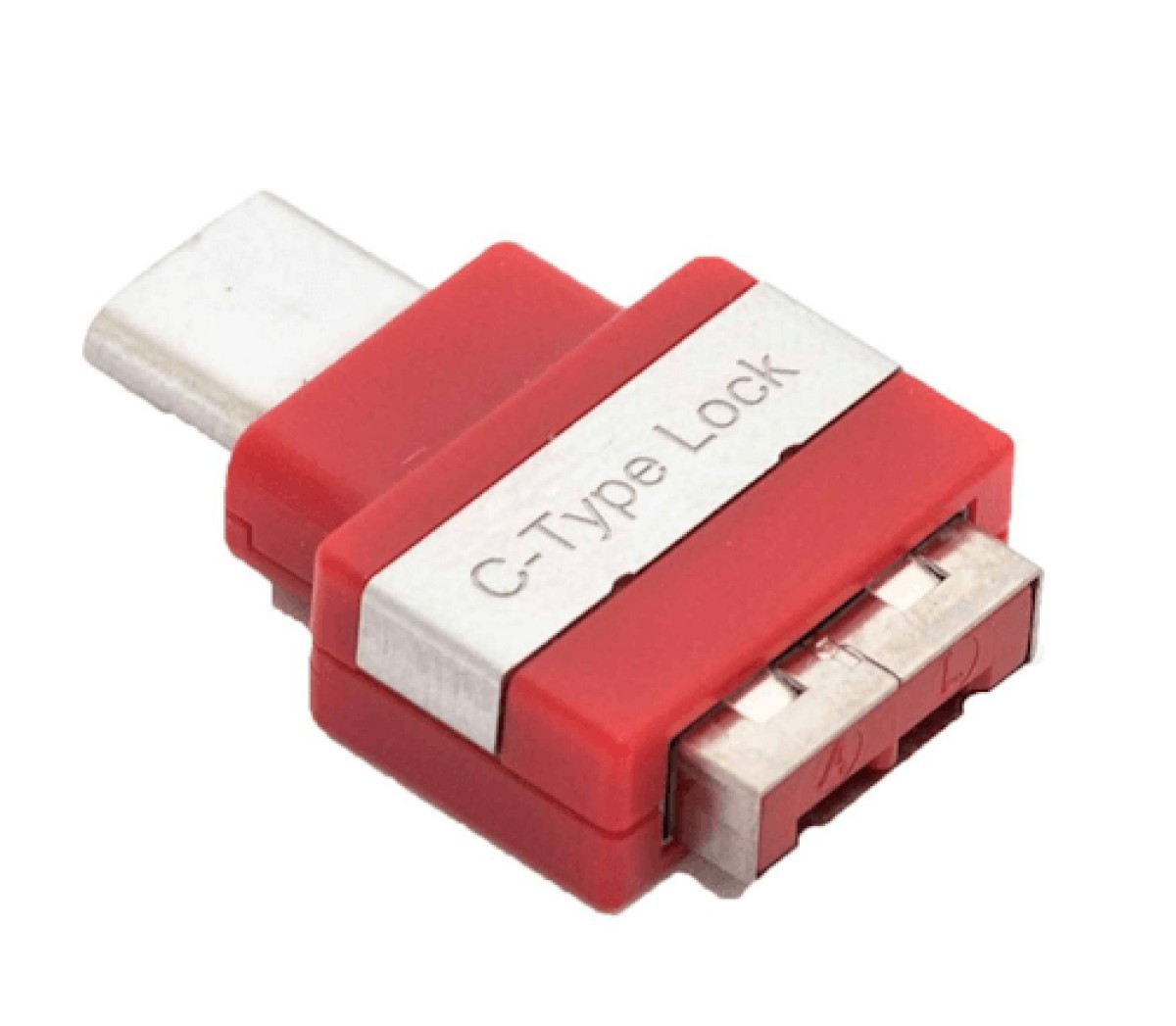




Want to prevent someone from just plugging a USB stick into your laptop or other USB-C cables or media? With the USB-C Port Blocker, you close off unused USB-C ports. You immediately prevent data loss, malware, and unwanted access to your devices.
Blocking USB-C Ports Against Unwanted Access
An unsecured USB-C port gives others the chance to copy data or install malicious software. You avoid this risk with a simple action. Place the blocker in the port and only you can remove it again with the Universal Lock Key. This keeps you in control of who gets access to computer systems or docking stations.
Physical USB-C Security Without Hassle
You don't need any software or technical knowledge. Place the blocker, turn the key, and you're done. The port remains locked until you decide to open it again. This works on laptops, tablets, and other devices with a USB-C connection. The blocker fits all standard USB-C ports.
Main Advantages
- Prevents others from connecting USB sticks, cables, or devices
- Protects against data theft and malware
- Only removable with the Universal Lock Key
- Easy to install, no tools required
- Keeps ports dust-free and prevents wear
- Available in various colors for clear management
Who Is the USB-C Port Blocker For?
- IT departments and companies: prevent data loss and sabotage
- Schools and healthcare: keep control over who can access devices
- Public spaces: protect shared computers in libraries and shops
- Home use: keep your own laptop or tablet safe and clean
How to Use the USB-C Port Blocker
- Insert the blocker into the USB-C port.
- Turn the Universal Lock Key to secure the blocker.
- Remove the blocker with the same key when you want to use the port again.
Order Now and Protect Your Devices
Choose security. With the USB-C Port Blocker, you keep unwanted guests out and prevent da
 |
Manual |